What Is ZIMRA Fiscalisation, and Who Must Fiscalise?
Fiscalisation explained: who must fiscalise (VAT operators, and ZIMRA says all taxpayers), hardware vs virtual devices, the FDMS steps and the penalties.
Short answer
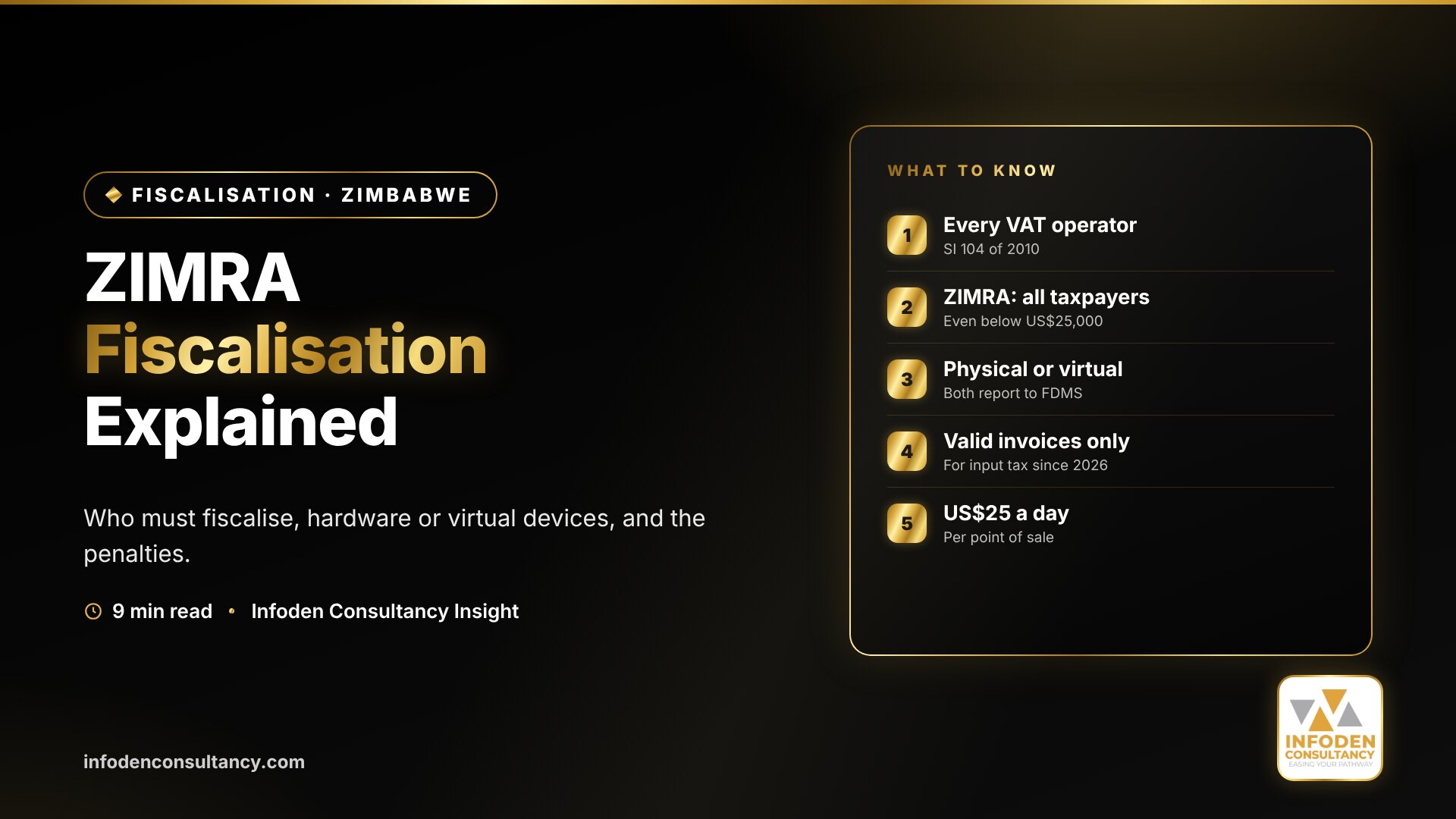
Fiscalisation means recording every sale on a fiscal device that reports to ZIMRA’s Fiscalisation Data Management System (FDMS) at the moment of sale. Every VAT-registered business must fiscalise, and ZIMRA says all taxpayers, even those below the US$25,000 VAT threshold, must too. You can use a hardware device or a virtual (software) fiscal device.
Imagine every receipt you print being copied to ZIMRA the second you print it. That is fiscalisation. ZIMRA no longer has to guess what you sold, because it sees each sale as it happens.
Since 2026 it matters even more: your VAT-registered customers can only claim input tax on invoices that reach ZIMRA through FDMS. A business that doesn’t fiscalise is now a problem for its customers too.
| Key fact | Answer |
|---|---|
| What it is | Recording each sale on a fiscal device that sends it to ZIMRA’s FDMS |
| Who must | All VAT-registered operators (SI 104 of 2010, with SI 148 and SI 153 of 2016). ZIMRA says all taxpayers, under section 90 of the Income Tax Act read with sections 80D and 80DD |
| Device options | Physical fiscal devices (tills and printers) from ZIMRA-approved suppliers, or virtual fiscal devices (software) that connect by API |
| Proof it works | Each fiscal invoice carries a QR code that shows “Invoice is Valid” when scanned |
| Penalty for not fiscalising | US$25 per point of sale per day, up to 181 days, then a criminal offence |
| Infoden price | US$60, VAT-inclusive, for a virtual fiscal device connected to your Infoden invoicing |
What is fiscalisation, in plain words?
ZIMRA defines fiscalisation as configuring fiscal devices so they record and send sales and other tax information to ZIMRA’s servers at the time of sale. A fiscal device has a “fiscal memory”, a read-only store that keeps each sale permanently, so records can’t be quietly changed afterwards.
Every fiscal tax invoice, credit note and debit note it produces carries a ZIMRA verification code and QR code. Anyone can scan it to check the invoice is real.
Who must fiscalise?
VAT-registered businesses: yes, no exceptions. ZIMRA requires every VAT registered operator to fiscalise under Statutory Instrument 104 of 2010, read with SI 148 and SI 153 of 2016, and to comply with FDMS.
Everyone else: ZIMRA says yes too. ZIMRA’s fiscalisation page states that all taxpayers must fiscalise under section 90 of the Income Tax Act [Chapter 23:06], read with sections 80D and 80DD, which let the Minister require fiscalisation by regulation. It says this applies even to taxpayers with turnover below the US$25,000 VAT registration threshold.
Some advisers argue that, for non-VAT businesses, the duty only bites once the Minister’s regulations say so. In practice, ZIMRA’s stated position is the one it enforces, and big customers increasingly insist on fiscal invoices. If you sell to businesses, plan to fiscalise.
Why does fiscalisation matter so much since 2026?
Because of the link between TaRMS (ZIMRA’s tax system) and FDMS:
- From 1 December 2025, ZIMRA connected TaRMS to FDMS (Public Notice 63 of 2025).
- For VAT periods from 1 January 2026, input tax is no longer claimed on manual schedules. Fiscal tax invoices are filled in automatically from FDMS, and only invoices that ZIMRA’s FDMS shows as “Valid”, with the correct buyer details, can be claimed (Public Notice 49 of 2026).
Think about what that means. If your invoice doesn’t reach FDMS, or leaves out your customer’s details, your customer can’t claim the VAT on it. Many companies now refuse to pay suppliers who can’t issue a valid fiscal invoice.
Fiscalisation is also part of getting a tax clearance. ZIMRA expects VAT-registered taxpayers to be fully connected to FDMS before it issues an ITF263 (see our tax clearance guide).
Physical fiscal device or virtual fiscal device: which do I need?
ZIMRA lets both VAT and non-VAT taxpayers choose the device that suits them:
| Physical fiscal device | Virtual fiscal device | |
|---|---|---|
| What it is | A fiscalised cash register or printer with built-in fiscal memory | Software that sends each invoice to FDMS over ZIMRA’s API |
| Where it comes from | ZIMRA-approved suppliers of physical devices | Software connected to FDMS. Infoden runs one for you |
| Best for | Shops and counters with a physical till | Businesses that invoice from accounting or POS software, and mobile point of sale |
| Tax relief | VAT operators can claim 50% of the cost of a fiscal electronic register as input tax, and the rest as a special initial allowance over two years | The API documentation is free from ZIMRA |
One point of sale means one device. A shop with four tills needs four connected tills, and the penalty below is counted per point of sale.
How does Infoden fiscalise your business?
ZIMRA’s onboarding has the same stages whichever device you use. With Infoden’s virtual fiscal device, we take you through each one.
- We check you are registered with ZIMRA: a TIN, and VAT if you are over the threshold. Fiscalisation is a separate step after tax registration, and we handle that first if needed.
- We complete ZIMRA’s datasheet and the FDMS device order for the right branch and region.
- We run ZIMRA’s test. The device is registered on ZIMRA’s FDMS test environment, sample fiscal invoices, credit notes and debit notes are produced, and a fiscal day is opened and closed without errors.
- ZIMRA approves. The test documents go to ZIMRA for validation and approval, and we follow up.
- You go live. The production device is registered on FDMS, and every invoice you issue from your Infoden account is fiscalised from then on.
- We check it works. Each live invoice carries a QR code that shows “Invoice is Valid” when scanned.
ZIMRA emails activation keys that expire quickly, so forward them to us the day they arrive.
What are the penalties for not fiscalising?
ZIMRA’s published guidance on fiscalisation offences says:
- Failing to fiscalise attracts a civil penalty of US$25 per point of sale for each day you remain in default, for up to 181 days.
- After 181 days it becomes a criminal offence, with a fine up to level 7, imprisonment up to 12 months, or both.
- A VAT operator that has a device but doesn’t use it, or doesn’t connect (interface) it to ZIMRA, also commits an offence and can face an additional assessment under the VAT Act.
The numbers add up quickly. Four unconnected tills for 90 days is 4 × 90 × US$25 = US$9,000, before any additional tax. The 2027 National Budget, presented on 19 November 2026, proposes much heavier surcharges for VAT operators who fail to fiscalise. Those are proposals until the Finance Act is passed, and we will update this guide when it is.
What must a fiscal invoice show?
A fiscal tax invoice comes from the fiscal device, not from a word processor. It carries ZIMRA’s verification code and a QR code that anyone can check on FDMS. ZIMRA also expects VAT-registered businesses’ invoices and receipts to show the currency of the sale.
When you sell to a VAT-registered business, put the buyer’s details on the invoice. Without them, the invoice can’t be matched to the buyer in TaRMS, and they can’t claim input tax on it.
What is a fiscal day?
A fiscal device works in “fiscal days”. You open a day, record sales, and close the day, and the device reports the day’s totals to FDMS. Closing must happen without errors. A device that hasn’t closed its days or synced with FDMS is a warning sign to ZIMRA, so check the status on each device regularly.
Example: a hardware shop with three tills
Tatenda runs a VAT-registered hardware shop in Mutare with three tills and also invoices building contractors from accounting software. All three tills need connected fiscal devices, and the invoicing software needs its own connection, for example a virtual fiscal device.
The contractors are VAT-registered, so every invoice to them must show their details. Otherwise they can’t claim the input tax and will push Tatenda for corrected invoices. If one till stays unconnected for 60 days, the penalty alone is 60 × US$25 = US$1,500.
Common mistakes
- Fiscalising one till and not the others. Every point of sale counts separately.
- Leaving out buyer details. Your VAT-registered customers need their details on the fiscal invoice to claim input tax.
- Letting devices go offline. A device that doesn’t sync with FDMS can cost both you and your customers.
- Confusing fiscalisation with tax registration. Getting a TIN or VAT number is one step; connecting your invoicing to FDMS is another.
- Issuing credit notes outside the system. Credit and debit notes must be fiscalised too, referencing the original fiscal invoice.
Frequently asked questions
Do small businesses below the VAT threshold have to fiscalise?
ZIMRA says yes. Its fiscalisation guidance states that all taxpayers must fiscalise under section 90 of the Income Tax Act, including those with turnover below the US$25,000 VAT threshold. Non-VAT businesses may choose any approved device type, including a virtual fiscal device.
Can I fiscalise without buying a machine?
Yes. ZIMRA allows virtual fiscalisation, where software connects directly to FDMS through ZIMRA’s API. Infoden runs a virtual fiscal device for businesses that invoice from their Infoden account, so there is no hardware to buy.
How do I check if an invoice is fiscalised?
Scan the QR code on the invoice with a phone. A fiscalised invoice shows “Invoice is Valid”. If yours don’t, contact Infoden.
Does fiscalisation affect my tax clearance?
Yes, for VAT-registered businesses. ZIMRA expects their devices to be connected to FDMS before it issues a tax clearance certificate (ITF263), so an unconnected device can block your clearance.
What to do next
Count your points of sale and check that every one prints a QR code that shows “Invoice is Valid” on FDMS. If any doesn’t, contact Infoden.
If you invoice from a computer and don’t want a physical device, Infoden connects your invoicing to FDMS with a virtual fiscal device for US$60, VAT-inclusive, and takes you through ZIMRA’s test and approval. See ZIMRA fiscalisation with Infoden.
Fiscalise without buying a physical device
US$60, VAT-inclusive. We handle the datasheet, ZIMRA’s test and the go-live.
Sources and law
- ZIMRA: Fiscalisation explained (who must fiscalise, device types, incentives). Checked 22 November 2026.
- ZIMRA: Compliance with the FDMS (onboarding steps, QR validation). Checked 22 November 2026.
- ZIMRA: Offences and penalties in fiscalisation. Checked 22 November 2026.
- ZIMRA Public Notice 63 of 2025 (TaRMS/FDMS integration) and Public Notice 49 of 2026 (input tax only on valid FDMS invoices). Checked 22 November 2026.
- Lucent Consultancy: 2027 National Budget highlights (proposed fiscalisation surcharge). Checked 22 November 2026.
- SI 104 of 2010, SI 148 of 2016, SI 153 of 2016; Income Tax Act [Chapter 23:06], sections 80D, 80DD and 90; Value Added Tax Act [Chapter 23:12].
This is general information, not legal or tax advice for your specific situation. Contact Infoden for advice on your situation.